
How to Get Your Business on Google Maps (Step by Step)
TL;DR:
- Getting your business on Google Maps makes it easy for local clients in your area to find your service when they need you.
- Verifying your business location with Google requires a simple confirmation, usually via a postcard or video verification.
- Keeping your address, operating hours, and service categories up to date turns casual map browsers into paying customers.
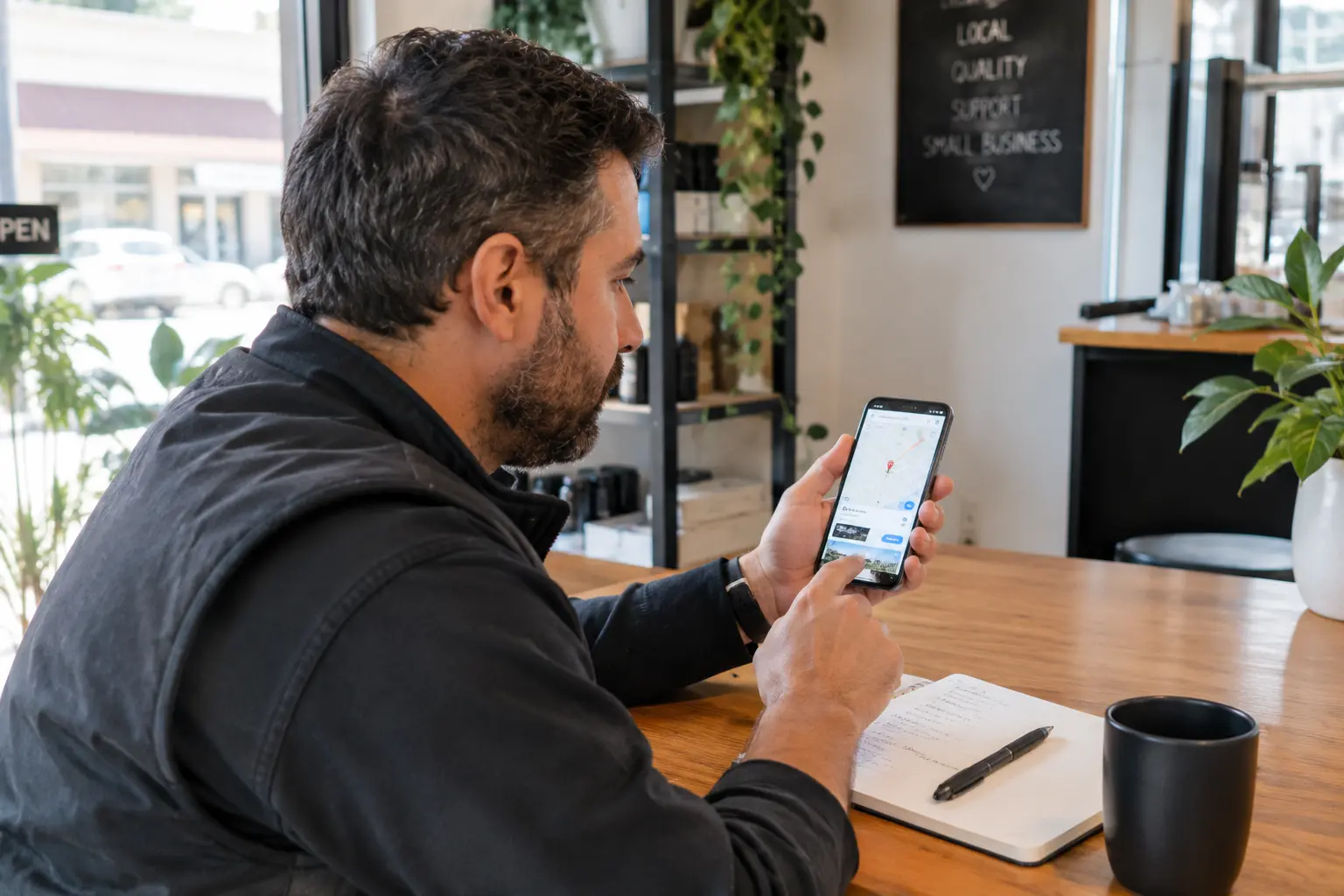
When someone in your neighbourhood needs a cleaner, an electrician, or a mobile barber, they don’t dig through the yellow pages. They open their phone, type what they need into Google Maps, and call the closest business that looks reliable. If your business isn’t showing up there, you are invisible to the people living just down the road.
Getting onto Google Maps is one of the highest-return things you can do for a local service business.
Here is the straightforward, step-by-step way to get your business mapped out and bringing in local work.
What is a Google Business Profile and why do you need it?
Before you appear on Google Maps, you need a Google Business Profile. This is the free listing that powers your presence across Google Search and Maps.
When you set up a profile, you give Google the core details about your operation: what you do, where you operate, when you are open, and how people can get hold of you. Without this profile, Google has no verified data to display when locals search for your specific trade or service.
It acts as your digital shopfront, giving potential customers confidence before they ever pick up the phone or visit your booking page.
How do you create and verify your listing on Google Maps?
Setting up the profile takes a little patience, but the steps are simple if you follow them closely.
- First, go to Google Business Profile and sign in with your business email. Enter your exact business name, choose your primary category (such as electrician or cleaning service), and enter your location. If you operate from a home office or travel to clients rather than having a physical retail shop, you can set your listing as a service-area business and hide your home address.
- Next, Google will need to verify that you are a real business operating where you say you are. This usually involves receiving a verification code via a postcard sent to your address, or completing a quick video verification showing your work equipment or vehicle. Once verified, your map pin goes live for the public.
How do you optimize your map listing to win local clients?
Just getting onto the map isn’t enough; you need to make sure your listing actually converts people into customers.
Start by filling out every relevant section. Add your exact operating hours, your phone number, and a direct link to your website where clients can book your services or request a quote.
Add high-quality photos of your actual work—such as a newly wired switchboard, a spotless living room, or a fresh fade. Listings with clear photos and active customer reviews get significantly more engagement than empty ones. As you complete jobs, politely encourage happy clients to leave a review on your map listing so your local reputation builds itself over time.
What to do this week
- Check if your business already exists on Google Maps as an unverified or outdated listing so you can claim it.
- Set up or update your Google Business Profile with your current service categories, hours, and contact details.
- Link your Google map listing directly to your online booking or quote request page so clients can take the next step instantly.
Describe your business and see your booking site in a few minutes. Free to build.
Related reading
- SEO, AEO and GEO Explained: How to show up in Google and AI Search: To show up in ChatGPT search and other AI answers, you mostly need good SEO: AI assistants build on search engines, so the same foundations get you found in both.
- The best AI tools for small Business and How to actually use them: The best AI tools for small business, like Claude, Whisper, Make and Cursor, can automate real work, but most owners only use them to tidy up emails.