
How to Automate Invoices With AI: Build Your Own Tool in Cursor
TL;DR:
- The Core Problem: Small business operators treat AI like an oracle, wasting hours dragging individual vendor PDFs into chat windows instead of automating the actual workflow.
- The Structural Reality: You can build a custom “Invoice Assassin” using an AI IDE likeCursor to parse PDFs via API, bypassing generalised enterprise software that refuses to handle highly specific, messy local data.
- The Solution: While building a prototype is fast, handling edge cases and dirty data is difficult. Plan for that last 10% before you trust a micro-app with real invoices.
You can automate invoices with AI without buying a big accounting platform: an AI code editor like Cursor can build a small tool that reads supplier PDFs and pulls out the numbers for you. Here’s how, and what breaks when real paperwork arrives.
Can ChatGPT process invoices for you?
It can read an invoice you paste in, but doing that by hand for every PDF isn’t automation; the time savings come from a tool that does it for every invoice.
The internet is desperately trying to convince you that “prompt engineering” is the most important skill of the decade. Gurus sell expensive courses teaching you how to write the perfect, five-paragraph command to make a chatbot act like a McKinsey consultant. They frame artificial intelligence as a digital oracle—if you just speak the right incantation into the web browser, your business will magically optimise itself.
This is a massive trap. Treating AI like an oracle keeps you stuck in a chat window, consuming temporary outputs while your actual business operations remain entirely manual.
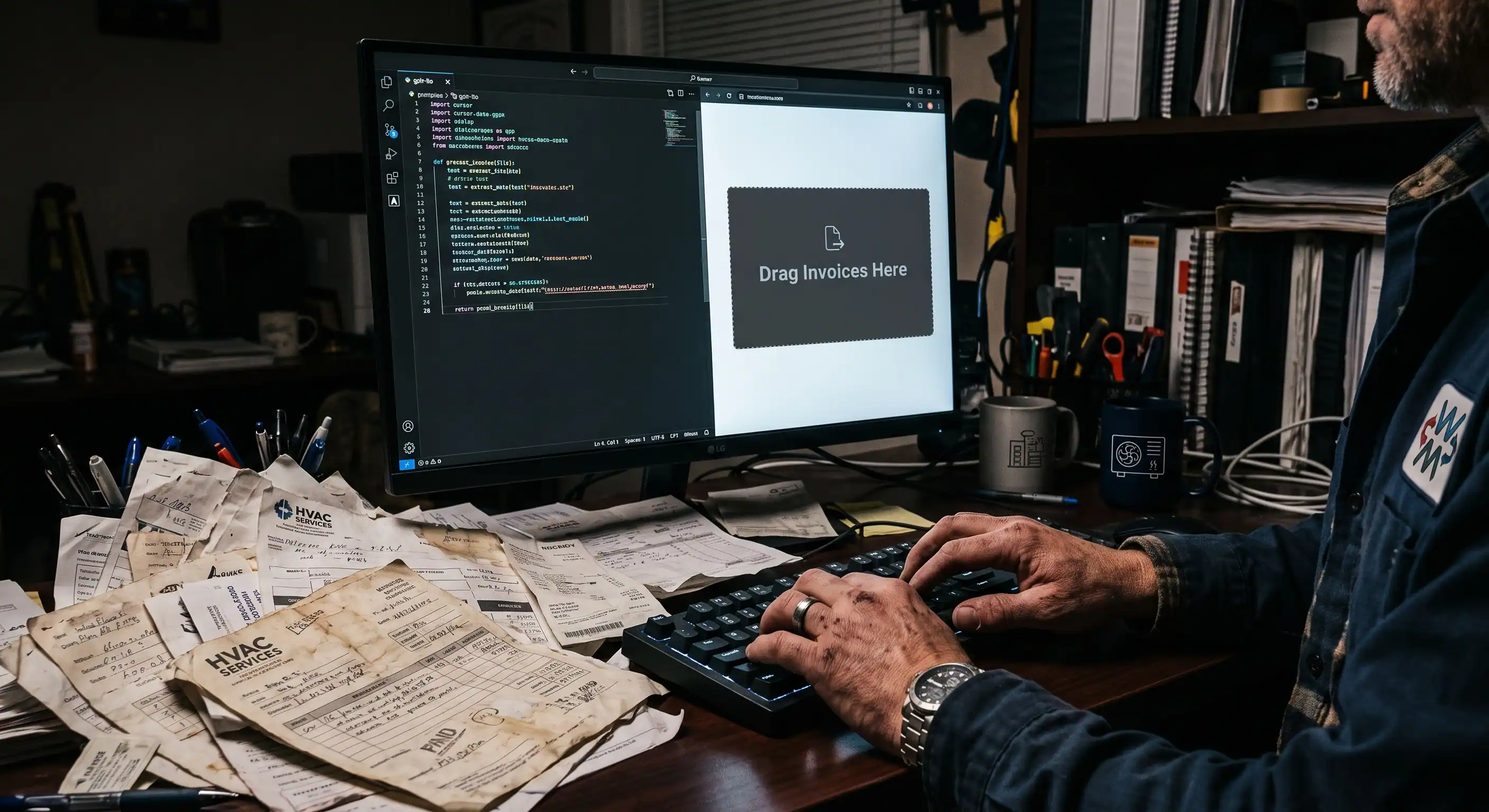
Imagine a commercial HVAC contractor on a Friday afternoon. He has a stack of 40 crinkled, coffee-stained PDF invoices from 12 different plumbing suppliers, all formatted differently. He read that AI can extract data, so he drags a PDF into ChatGPT and asks it to pull the line items. The AI does it perfectly.
But he has 39 more. Dragging and dropping them one by one into a chat window, waiting for the output, and copying the results back into QuickBooks isn’t an automated workflow. It is just a highly annoying, slightly different version of manual data entry. You are talking to the machine when you should be building with it.
How do you automate invoices with AI?
Build a small app with an AI code editor: describe what it should read from each invoice, let the AI write it, and test it on real PDFs.
The leap you must make is escaping the chat window and building a permanent micro-app. You do not need to be a software engineer to do this. You just need an AI coding environment.
Here is exactly how that HVAC contractor can build his own “Invoice Assassin” this weekend:
1. Set up the Environment Stop using the browser. Download an AI-native code editor like Cursor. It looks like a standard coding terminal, but it has a frontier AI model baked directly into the command line. Open a blank project folder.
2. Dictate the Blueprint You do not type code; you type instructions. Hit CMD+I to open the AI composer and write your mandate: “Build a local, single-page web app with a simple drag-and-drop zone. When I drop PDFs into the zone, send them to the Anthropic API. Instruct the API to extract Vendor Name, Invoice Date, Total Amount, and Line Items. Take that extracted data and generate a CSV formatted specifically for QuickBooks import.”
3. Wire the Brain The AI will generate the HTML frontend and the Python backend in seconds. You will need to grab an API key from Anthropic or OpenAI (which costs fractions of a penny per invoice) and paste it into the secure local file the AI created for you.
4. Execute the Script Tell Cursor to run the local server. A simple, stark web page opens. You drag all 40 messy PDFs into the box at once. The app reads them all silently in the background, normalises the chaotic vendor data, and spits out a single, perfectly formatted CSV. The Friday afternoon administrative nightmare is permanently dead.
Why can’t you just buy an invoice tool off the shelf?
You can buy general ones, but big software companies won’t build for your suppliers’ messy, one-off formats, so the awkward cases stay manual.
If this kind of hyper-specific tool is so powerful, why can’t you just buy it off the shelf?
Because big software companies cannot survive by fixing your highly specific, messy local problems. Venture-backed enterprise SaaS companies require massive scale and multi-million dollar annual contracts. They have to build generalised bloatware—massive dashboards that appeal to a global market.
They will gladly sell you a $100,000 accounting platform with a generic “AI copilot,” but they will never fly down to your office to build a surgical script that perfectly parses the bizarre 1998-era font your local sheet metal supplier uses on their faxes. They want to sell you the platform; they leave the dirty plumbing entirely up to you.
What breaks when an AI invoice tool meets real paperwork?
Messy inputs: crooked phone photos, odd fonts and missing fields are where a quick prototype fails, and handling them is most of the work.
Prototyping in an AI-native editor like Cursor is genuinely empowering. It proves your operational thesis in minutes without relying on legacy development cycles.
But eventually, real-world data hits. Getting an LLM to parse a clean, structured PDF feels like magic. Getting that parser not to choke when an overseas supplier submits a low-resolution, crooked phone snapshot with crumpled text is hardened software engineering. Generating the initial 90% of a micro-app takes minutes. The final 10%—bulletproofing deterministic schema validation, managing rate limits, securing localised credentials, and handling dirty inputs—is what separates a fragile demo from enterprise-grade tooling.
If you enjoy building, keep going: a working prototype is how you find out where the hard 10% is. I write more about building with AI in the essays, and my story covers what 25 years of getting it wrong taught me.
If you run a service business and the paperwork you’re fighting is bookings, customers and daily takings, you don’t need to build anything: Gallop builds your website, online booking and business app from a short conversation. It doesn’t read supplier invoices; tell us at hello@9horsemen.com if it should.
Related reading
- How to Build a Booking App With AI (and When Not To): the same approach for bookings, and when not to bother.
- How to Build a Custom PWA With Google AI Studio: putting a small app on your phone’s home screen without an app store.
- How Much Does It Cost to Build an App? The Duct-Tape Defence: testing an idea before you spend real money on it.