
How to Build a Booking App With AI (and When Not To)
TL;DR:
- Yes, you can: an AI code editor will build a working booking page with your own rules, like fitting a quick cut into a colour’s processing time, in an afternoon.
- The demo is the easy 90%: double bookings, reminders, sign-in, spam and keeping it running are the hard 10%, and they’re a job of their own.
- Who should build it: if you enjoy building or you’re learning to code on the side, it’s a great first project. If you just want customers booking online, use an app that already does it and spend the afternoon in the chair.
You can build a booking app with AI in an afternoon, even if you’ve never written code. An AI code editor will happily build a booking page that follows your own rules. The harder question is whether you should, and for most barbers and stylists the honest answer is no. Here’s how you’d do it, what breaks after the demo, and how to decide.
Why does booking software get salon time wrong?
Most booking software treats every appointment as one solid block of time. That works for a meeting. It doesn’t always work for a stylist.
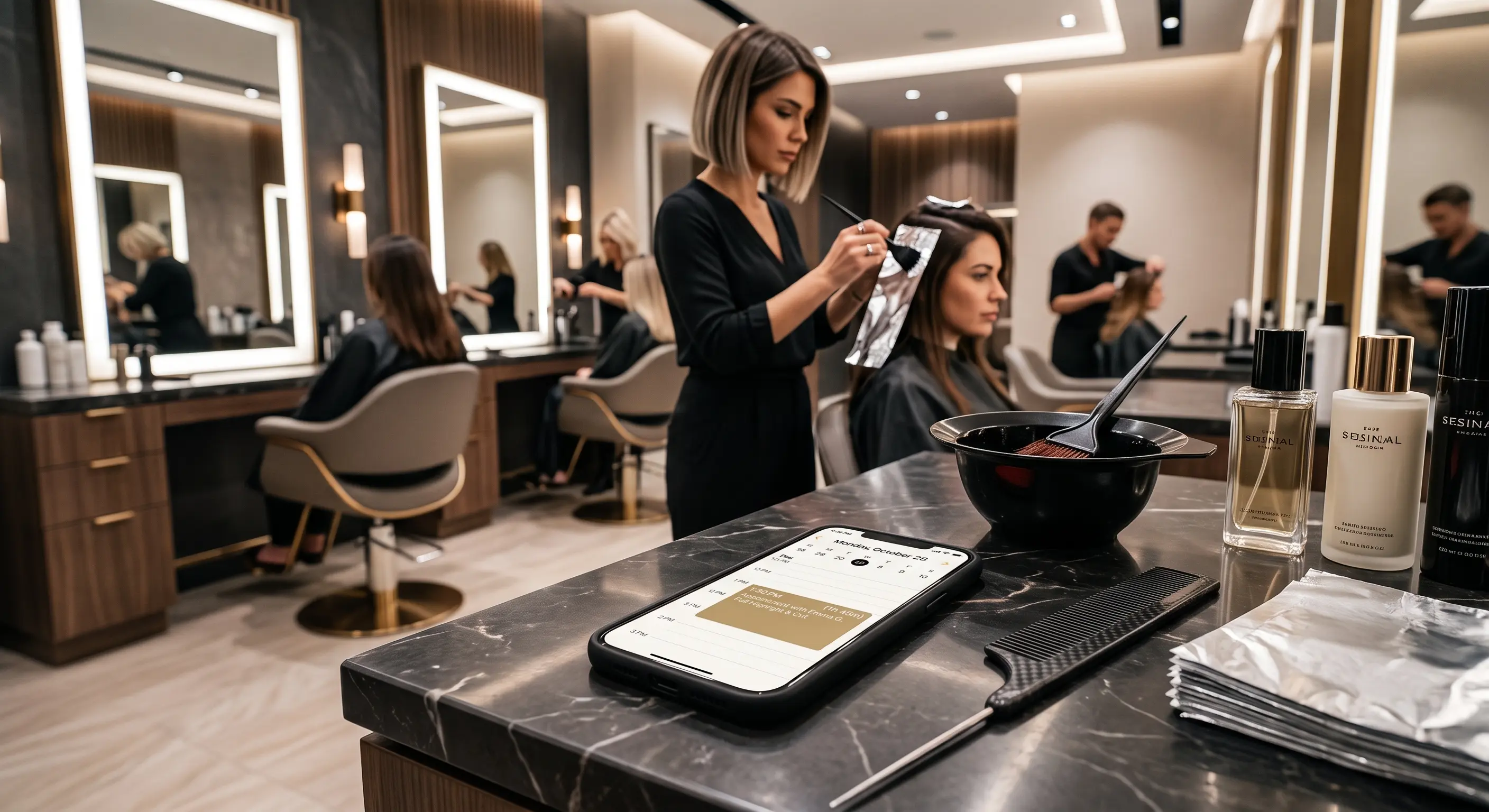
Picture 10:30 on a Tuesday. A colour takes two hours, but for 45 minutes of it the client is sitting with foil in their hair, scrolling their phone. The stylist could fit a men’s fade into that gap. The booking page shows two solid hours, though, so nobody can book the gap, and the time is lost.
So the stylist tells their regulars to skip the website and message them instead. It works, but now the bookings live in their DMs.
How do you build a booking app with AI?
You describe your rules in plain English and let an AI code editor write the code. Here’s the outline:
- Get an AI code editor. Download one like Cursor. It looks like a plain code editor, with an AI assistant built in. Open a blank project.
- Describe the rules. You don’t write the code; you describe how your day works. For example: “Build a mobile-first booking page for a solo salon. A colour service lasts 120 minutes. Minutes 30 to 75 are processing time. Let a second client book a 45-minute men’s fade inside that gap.”
- Let it build. The AI writes the booking page and the scheduling logic, usually in a few minutes. Try it, tell it what’s wrong, and repeat.
- Put it online. Connect a database so bookings are saved, then publish it. The AI can walk you through both.
By the end of the afternoon you have a booking page that understands your day better than most off-the-shelf tools.
What breaks after the demo?
Real customers break things a demo never sees. The booking page is the easy 90%. The hard 10% is the part nobody films:
- Two people booking the same slot at the same moment. Without the right database rules, both get it.
- Reminders. Confirmation and reminder emails or texts that reliably go out, and don’t land in spam.
- Sign-in. Letting customers see and change their own bookings without seeing anyone else’s.
- Time zones and daylight saving. A booking made the night the clocks change still has to land at the right time.
- Spam and bots. A public form will be found by bots, and they’ll fill your calendar with junk.
- Keeping it running. When it breaks at 8am on a Saturday, you’re the one fixing it, between clients.
None of these is impossible. Together, they’re a second job.
Should a barber build their own booking app?
For most barbers and stylists, no: your time is worth more in the chair than in a code editor. Build it if you enjoy building, or if you’re learning to code on the side. It’s one of the best first projects there is, because you know the problem better than any developer.
If you just want customers booking online, that’s why we built Gallop. Describe your business and Gallop builds your website and business app in a few minutes, with online booking, confirmation and reminder emails, customer sign-in by email code, and your services, staff and hours in one place. See how it works for barbers.
Gallop doesn’t book into processing time yet. If that’s what your salon needs, tell us at hello@9horsemen.com. We’d rather build it into Gallop for everyone than quote you for custom work.
Related reading
- How to Automate Invoices With AI: Build Your Own Tool in Cursor: the same approach, applied to back-office paperwork.
- How to Build a Custom PWA With Google AI Studio: putting a small app on your phone’s home screen without an app store.
- Why NZ Service Businesses Lose Good Clients to Missed Calls: what slow replies and clunky booking cost a service business.